
I tried an Open Source AI model for Image Recognition
How my attempt at using an Open Source AI model went
Introduction
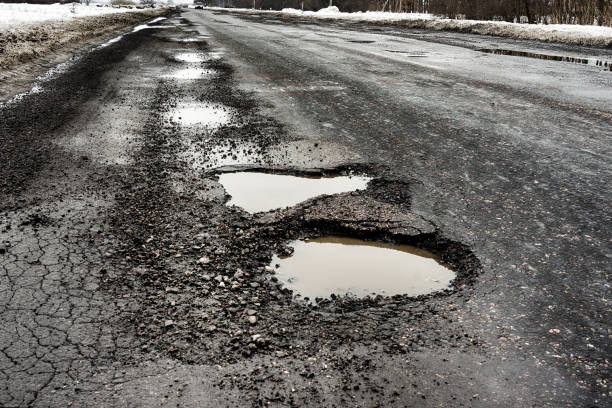
For context, I want to upload an image of a pothole and have an AI model categorize the pothole as either minor, moderate or severe. We are aware of OpenAI's API, but I wanted to do this for very cheap and what's cheaper than free?
Here's how it went.
Open Source AI Model
Since OpenAI rocked the world, many open-source models started coming out of the woodwork.
I had heard that AI models are run on GPUs and all I have at my disposal is a Core i7 Dell laptop and an M2 Mac Mini. I also heard of the popular AI models, namely Google's Gemma, Meta's LLama and Elon Musk's Grok.
These open-source models would allow me to run my little project locally without incurring costs so I went with it, expecting the model to execute my queries slowly. I underestimated how slow it would be!
I wanted to go with Llama but ended up going with Llava for reasons I won't get into here. So off I went.
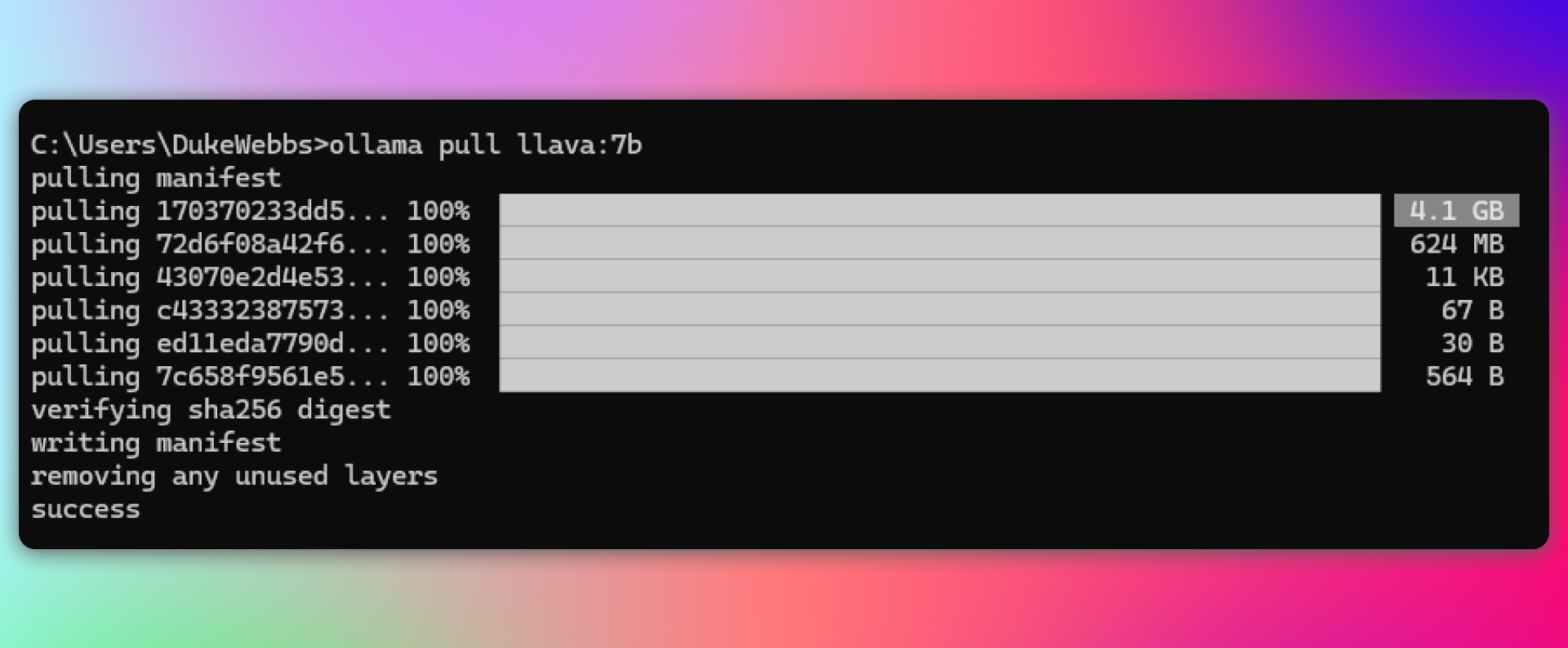
I installed Ollama went to my terminal and installed Llava with the lowest amount of parameters they had - 7 Billion parameters.
I chose 7B parameters because more parameters require better, more expensive, hardware.
Running the Model
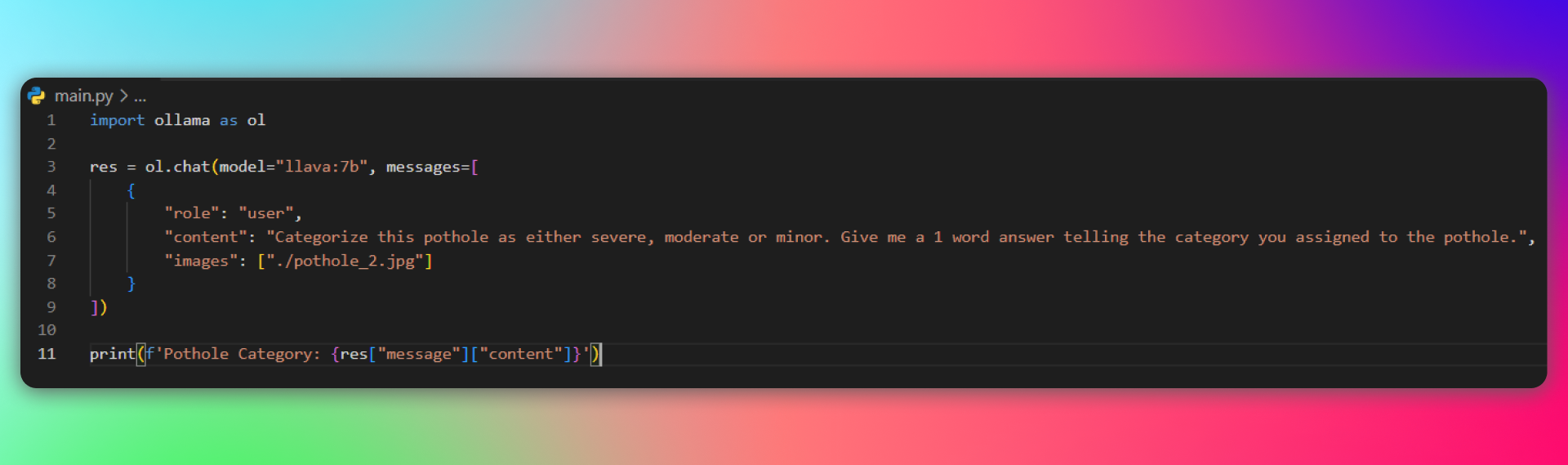
Now that everything is set up, let's run the model and get my result. I wrote my Python script, downloaded the pothole images and ran it. - I'll be honest, I thought my laptop was capable enough to run a 7B parameters AI model with a little struggle and 1 minute tops.
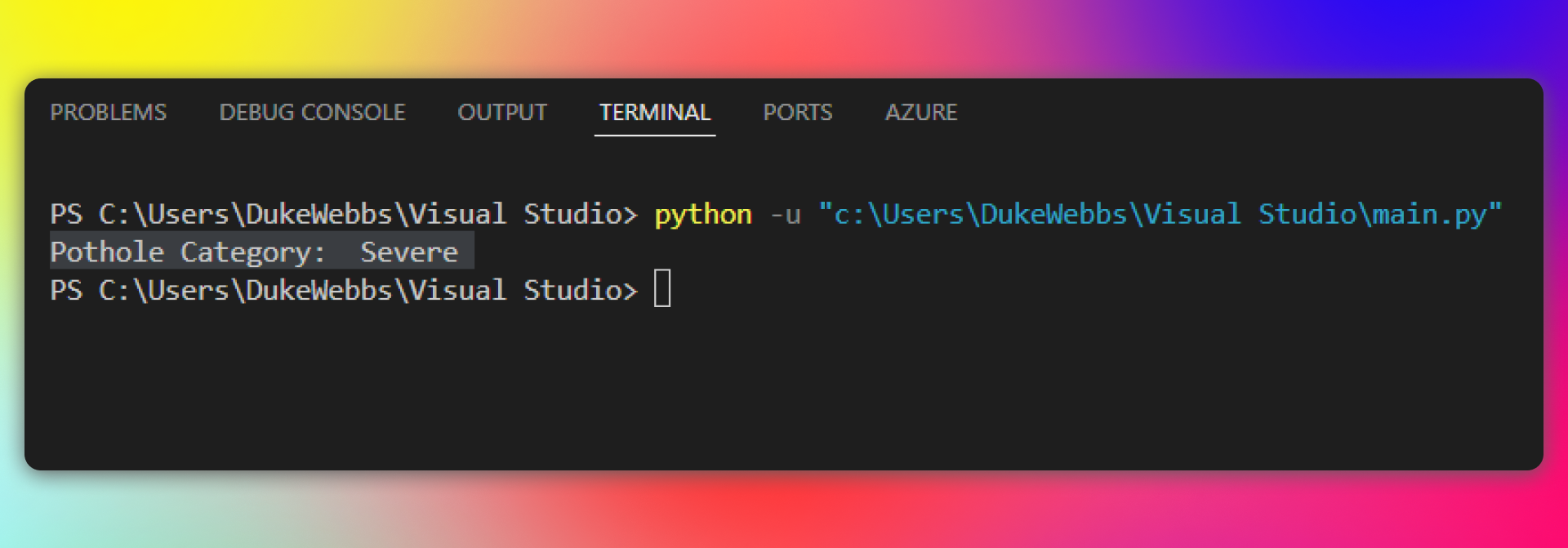
The model did run, but it consumed 4GB of my RAM, 60-70% of my CPU processing power, a solid 5-10 minutes of my time AND the result wasn't even that good, which is expected from an AI model with 7B parameters.
An AI model of this size usually needs some prompt engineering and a couple of re-runs to get it right. Which is unacceptable in my case.
OpenAI's GPT 4o-mini
At this point, I accepted I wouldn't be able to do it for free, so I went to OpenAI's API website and found GPT-4o mini model. It was love at first read!
And it was cheap, very cheap. You can look for yourself. This is when I realised what OpenAI is doing with their API is insane.
They have many different models they offer under their API. Some we've gotten exposure to through ChatGPT. They all have their strengths and weaknesses, but you will without a doubt find something for your use case.
I wanted a small, cheap and smart model that could handle small tasks with vision capabilities. My first answer was Llava which is: free, small, not so cheap (for me) and not so smart. But the real answer is GPT-4o mini which meets all my requirements.
Conclusion
To wrap things up, the purpose of doing all this is to build an application that will: allow citizens to take a picture of a pothole -> upload it to a government website -> have the AI categorize the severity of the pothole for government to send someone to repair severe-grade potholes.
Looking back at it the open-source model would have been a much worse solution.
I would have to pay to run this model on a server and it would likely be more expensive than using OpenAI's API.